
Notice of Setting
Follow this procedure if you have registered your JIS & T Internet password but the auto login does not function when connecting to the JIS & T site and the Plan Participant Confirmation screen in displayed.
Problem
The auto login function automatically confirms the required plan participant information when using JIS & T site functions. This function requires the registration of your JIS & T Internet password.
In this case, even though you have registered your JIS & T Internet password, the auto login does not function when connecting to the JIS & T site and the Plan Participant Confirmation screen in displayed.
If using recommended browser
Plan participant confirmation is performed automatically.(Auto login function)
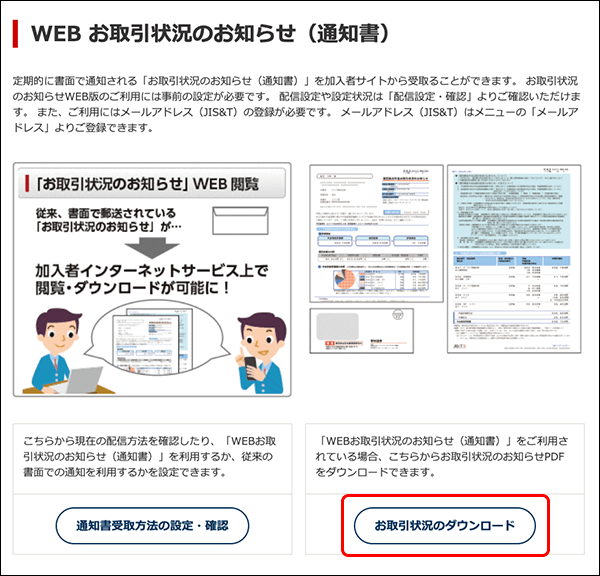


Accessing the JIS & T Site
If using another bowser
The Plan Participant Confirmation screen is displayed when using a function that requires contact with the JIS & T site.
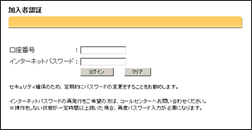
Accessing the JIS & T Site
Solution
The auto login function requires recommemded brower. If you are using a different browser, the auto login function cannot be operated.
If so, please log on the Plan Participant Comfirmation screen.